Summary
JetBrains IDEs and Visual Studio Code extensions provide a handy bold neon text on TODOs comments. I think it could be a great addition to Bat's already great syntax highlighting
Current behaviour
TODOs are shown using the default comment color. (Line 65, difficult to see)
Details
GitHub Theme
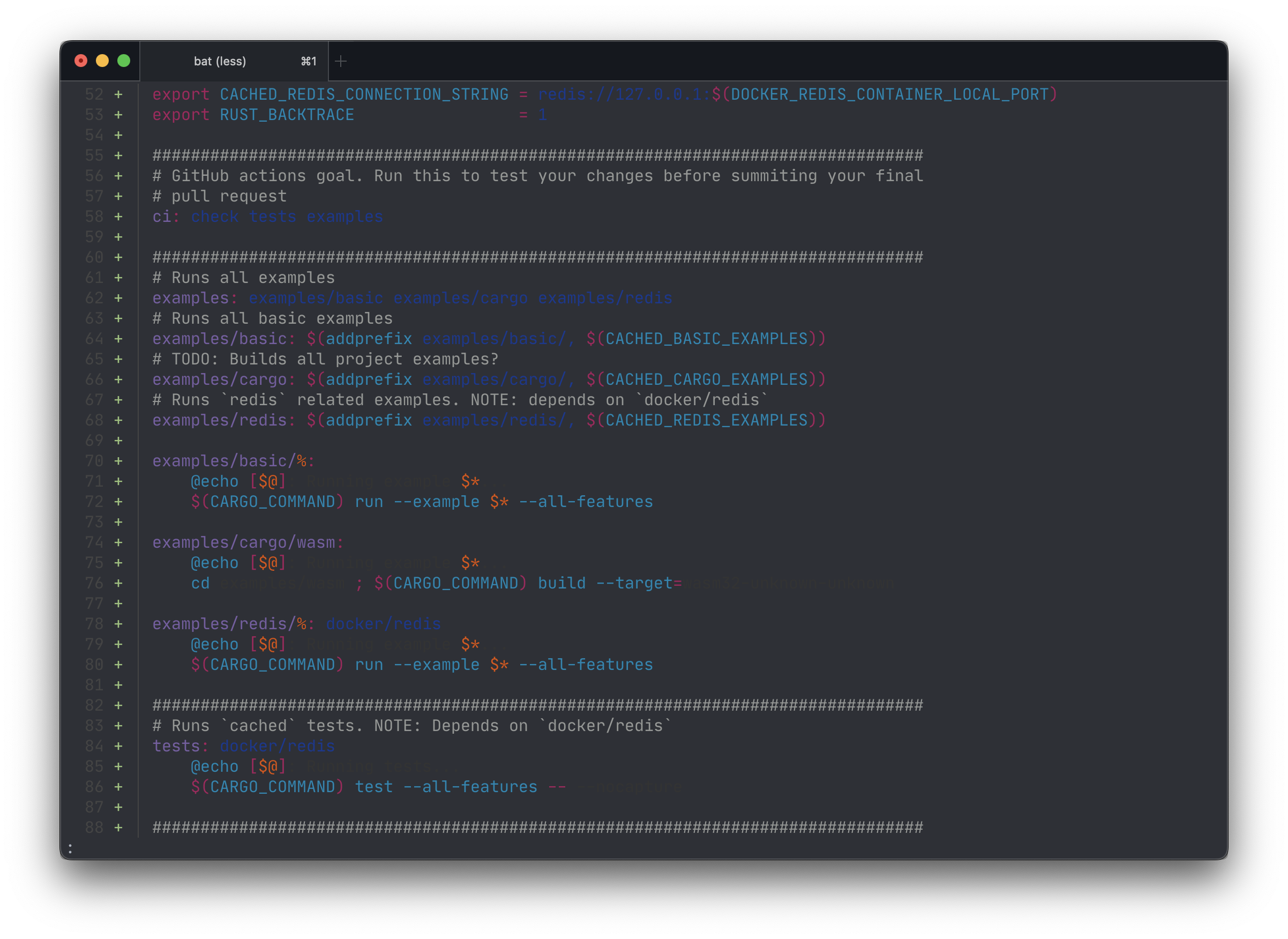
Details
1337 Theme
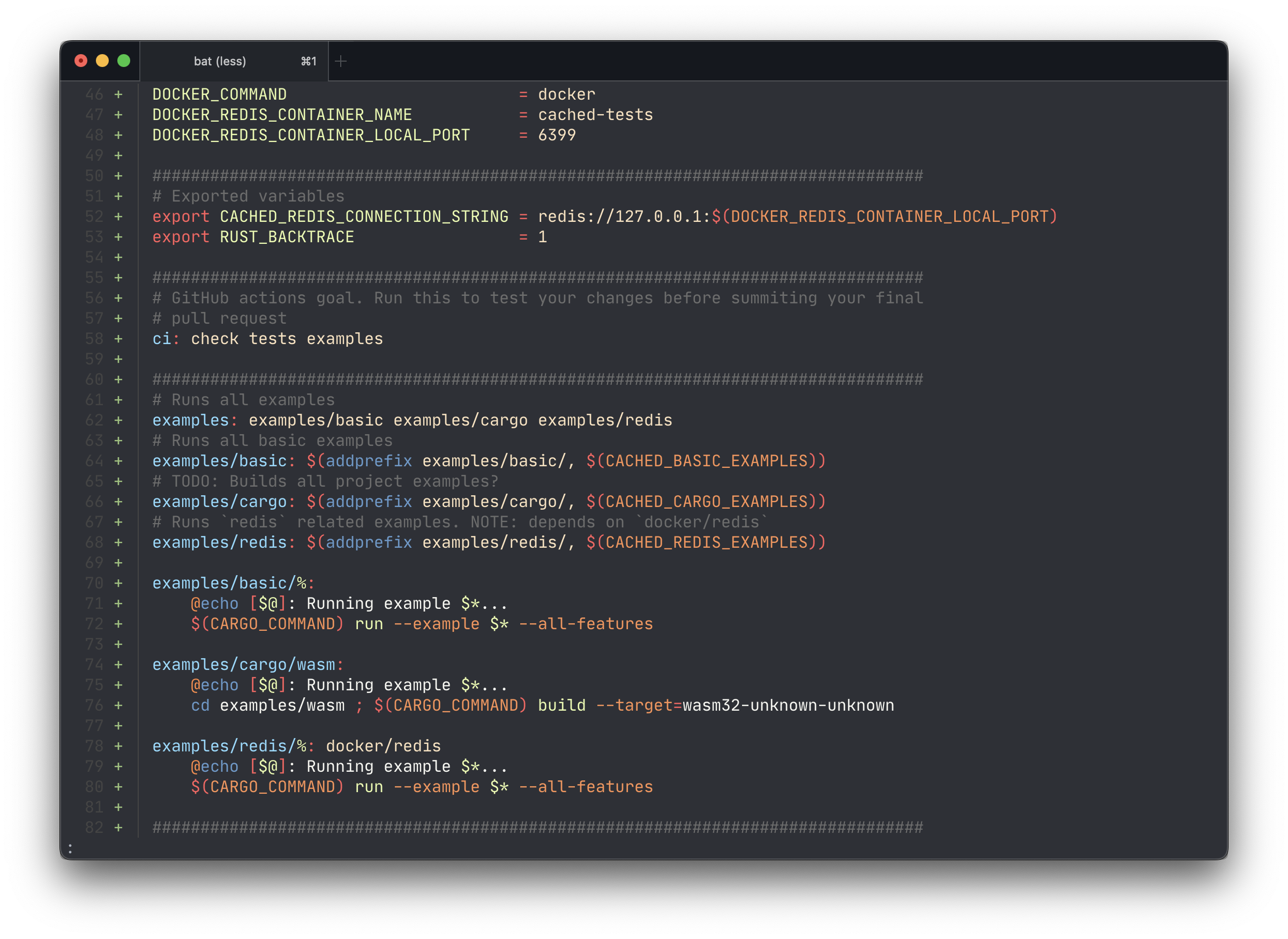
Feature details
- Highlight all the TODO block text using a flashy color, like bold orange neon
- It should be language agnostic. Any supported language should support TODO highlight
- Highlight only the line containing the TODO block
- A TODO block has the following properties
- It is a comment
- It contains the words TODO(S), FIXME(S) in uppercase or lowercase
- A TODO block ends with the end of line (LF,CR or CRLF)
Examples
Details
JetBrains' IntelliJ IDE
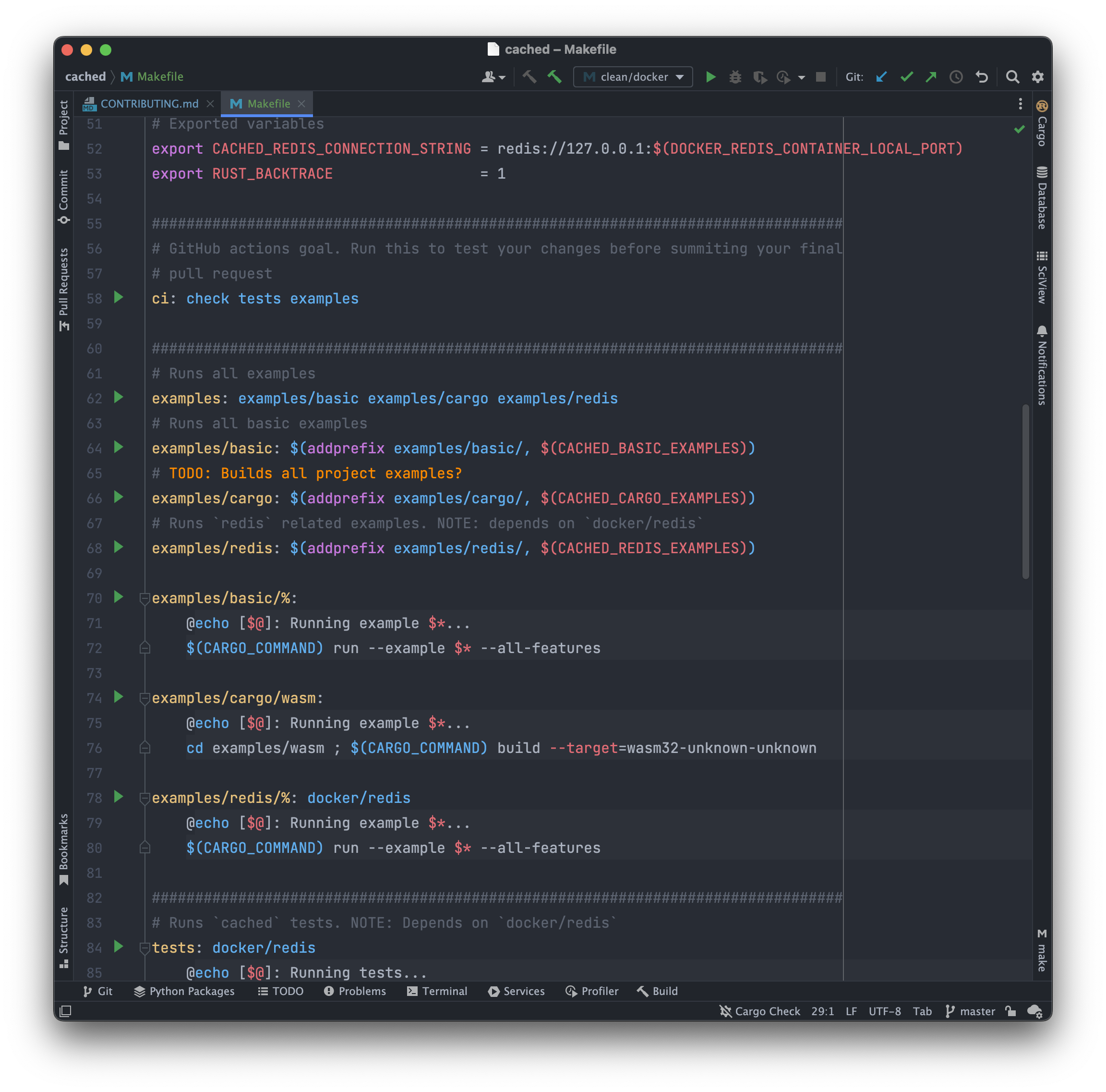
Details
Visual Studio Code using Colorful comments (parthr2031.colorful-comments)

Other information
Summary
JetBrains IDEs and Visual Studio Code extensions provide a handy bold neon text on TODOs comments. I think it could be a great addition to Bat's already great syntax highlighting
Current behaviour
TODOs are shown using the default comment color. (Line 65, difficult to see)
Details
GitHub Theme
Details
1337 Theme
Feature details
Examples
Details
JetBrains' IntelliJ IDE
Details
Visual Studio Code using Colorful comments (parthr2031.colorful-comments)
Other information